
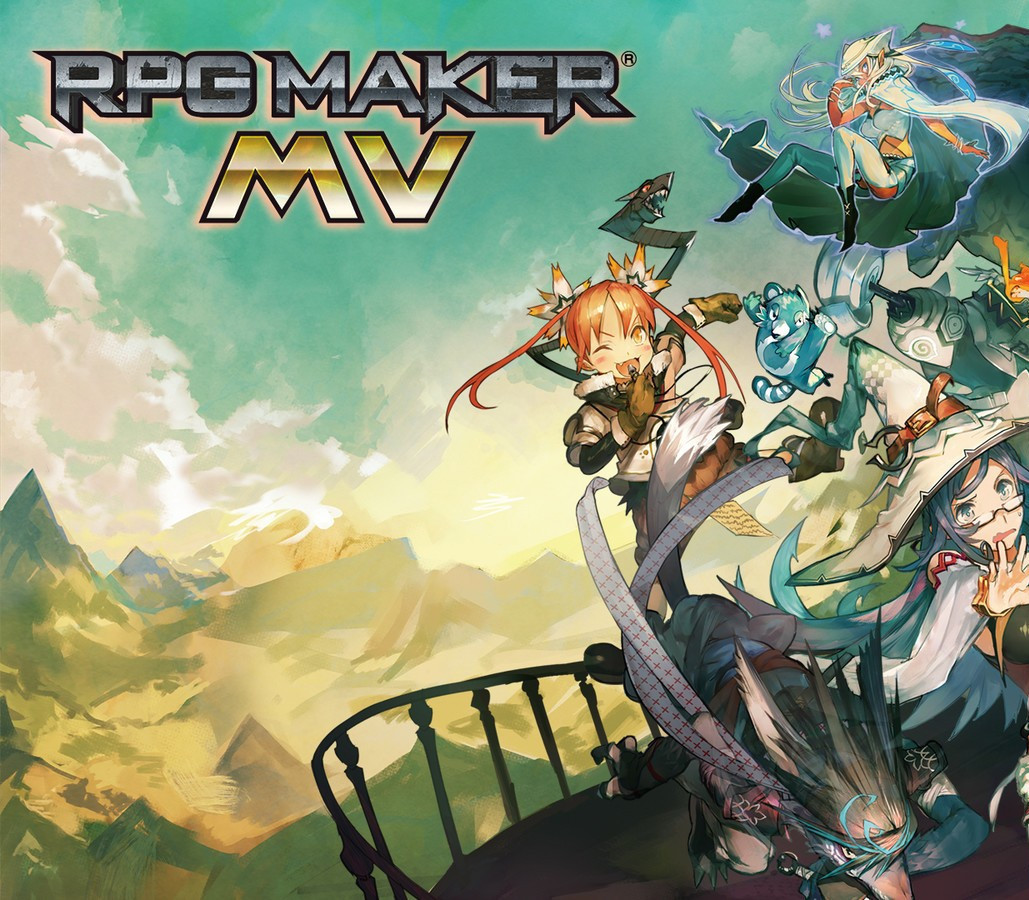
Description
POWERFUL enough for a developer SIMPLE enough for a child VERSATILE enough for any platform! For years, RPG Maker has been the easiest way to make your own Windows PC Roleplaying game. We have strived to give everyone, regardless of experience or skill level, the tools to make a game they could be proud of. Now, with RPG Maker MV, your game isn’t just on Windows PC, its on the move. Make your game on your Windows or OS X PC, and then deploy it for iOS, Android, Windows, OS X, or even to play in a browser using HTML5! Features MAKE GAMES FOR THE PLATFORMS YOU WANT FROM ANY PC – RPG Maker MV can run on both Windows and Mac OS X PCs. Users can also export games for the following platforms: Windows/EXE, MacOSX/APP, Android/APK, iOS/IPA and HTML 5 for Web Browsers. BUILD YOUR WORLD WITH AN IMPROVED MAP EDITOR – RPG Maker MV uses a user-friendly map system to help you build the RPG world of your dreams. With an additional automated upper layer, mapping in MV is even easier than before. MAKE YOUR WORLD LIVE WITH A SIMPLE EVENT SYSTEM – In RPG Maker MV, you use the simple, intuitive event system to bring your world to life. You can easily and quickly create NPCs for your characters to interact with, puzzles for them to solve, and quests for them to complete. GET STARTED IMMEDIATELY WITH BUILT-IN RESOURCES – RPG Maker MV, like previous RPG Makers, comes with its own graphic and audio resources for you to use in your game. From sprites to battlers, from sound effects to music. MV comes with resources for both Fantasy and Sci-fi games, and you are easily able to add more. USE TWO DIFFERENT BATTLE MODES, RIGHT OUT OF THE BOX – With a tick of a checkbox, you can switch between the classic Front View Battle to a Side View Battle system. USE A MOUSE OR TOUCH SCREEN TO PLAY YOUR GAMES – Tired of playing RPG Maker games with your keyboard? With RPG Maker MV, your game will allow the player to play the game with a flick of their mouse, or using a touch screen. SEE YOUR GAME IN HIGHER RESOLUTION – RPG Maker MV can show more than ever before. With a default 1.5x the resolution, sprites can show more emotion and the scenery can be more detailed than ever before. USE PLUGINS TO MAKE A FULLY CUSTOMIZED GAME – Want to customize your game even FURTHER? Use plugins to change things the way YOU want them. You can get them from us, get them from other fans, or master JavaScript to make your own! With our new plugin manager, you can just drop in the .js file of a plugin, and then configure it directly in the editor.
How to activate
Go to: http://store.steampowered.com/ and download STEAM client Click “Install Steam” (from the upper right corner) Install and start application, login with your Account name and Password (create one if you don’t have). Please follow these instructions to activate a new retail purchase on
Steam:
Launch Steam and log into your Steam account. Click the Games Menu. Choose Activate a Product on Steam… Follow the onscreen instructions to complete the process. After successful code verification go to the “MY GAMES” tab and start downloading.
 English
  Español
  Français
  Deutsch