
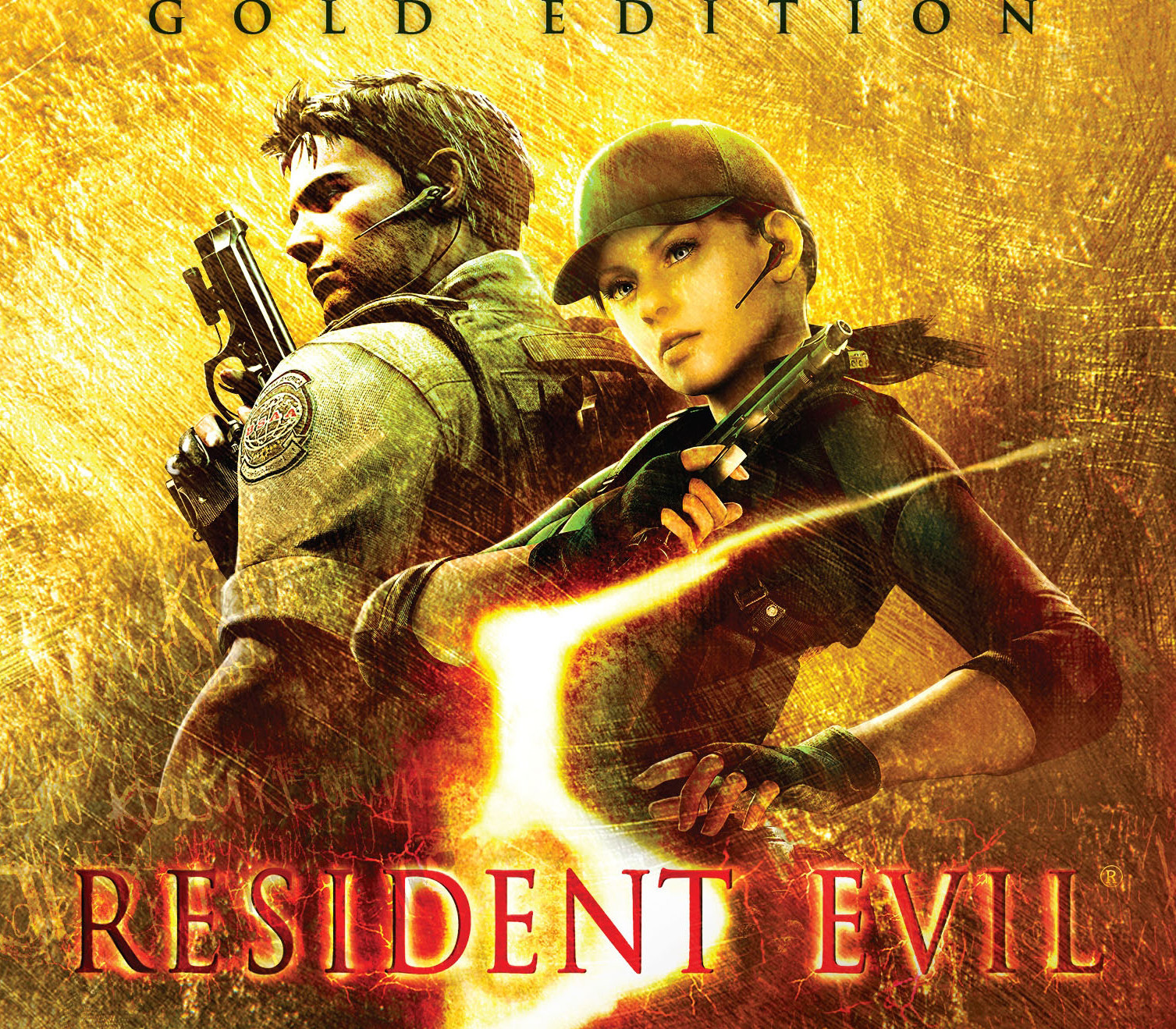
Description
Includes: Base Game Resident Evil 5 – Untold Stories DLC The Umbrella Corporation and its crop of lethal viruses have been destroyed and contained. But a new, more dangerous threat has emerged. Years after surviving the events in Raccoon City, Chris Redfield has been fighting the scourge of bio-organic weapons all over the world. Now a member of the Bioterrorism Security Assessment Alliance (BSAA), Chris is sent to Africa to investigate a biological agent that is transforming the populace into aggressive and disturbing creatures. Joined by another local BSAA agent, Sheva Alomar, the two must work together to solve the truth behind the disturbing turn of events. The long-awaited Untold Stories Bundle featuring two extra episodes LOST IN NIGHTMARES and DESPERATE ESCAPE is finally available on PC! Features The following content is included in the
Untold Stories Bundle:
Lost in Nightmares – What happened that night? That night when Chris thought he lost his partner… Now you can find out what happened during that mission when Chris and Jill visited the infamous Spencer mansion. Nowhere to hide, nowhere to go, just mystery…the story that wasn’t included in Resident Evil 5 reborn, the nightmare you cannot forget… Desperate Escape – Safe but exhausted, Jill has collapsed. Awoken by BSAA agent Josh Stone, play through their desperate escape from the Tricell facility, fighting off unrelenting waves of enemies in heart-pumping blockbuster action as they race to assist Chris and Sheva in their final showdown with Albert Wesker. The Mercenaries Reunion – this new mode brings 8 new playable characters and weapon load outs into the fray, providing players with additional challenges as they aim to shoot down as many enemies as they can within a limited time. Play as one of the unsung heroes of the original RESIDENT EVIL, Barry Burton, take control of one of the stars of RESIDENT EVIL 0, Rebecca Chambers, step into the designer-made high heels of one of villains, Excella Gionne, or take on the role of Delta Team’s commander, Josh Stone. Chain together your kills, extend your time and rack up points. Featuring the most extreme weapon selections, The Mercenaries Reunion provides hours of new strategy-induced kill sprees. Versus Mode – Control Chris, Sheva and other RE5 favorites in online battles of up to 4 players! Compete for points by defeating Majini in SLAYERS or take down other players in SURVIVORS. Fight alone or in a team for a total of 4 exciting variations! Extra Figures – Unlock items in Extra Figures. You will be able to add figures like Barry and Rebecca to your collection. Additional Costumes – check out Chris’ completely new take on tactical field armor with Heavy Metal, and add a bit of elfin fantasy to Sheva with Fairy Tale. These costumes can also be used in The Mercenaries Reunion in addition to the main story. Does not support NVIDIA GeForce 3D Vision which came with the original Games for Windows – Live version. You can import your old saves and achievement data from the Games for Windows – Live version. To ensure smooth transfer, please set the Steam client and game in-game language to the language that was originally used in the GFWL version. Russian, Polish, and Czech languages are supported in Resident Evil 5’s main game, but are not supported in the DLC.
How to activate
Go to: http://store.steampowered.com/ and download STEAM client Click “Install Steam” (from the upper right corner) Install and start application, login with your Account name and Password (create one if you don’t have). Please follow these instructions to activate a new retail purchase on
Steam:
Launch Steam and log into your Steam account. Click the Games Menu. Choose Activate a Product on Steam… Follow the onscreen instructions to complete the process. After successful code verification go to the “MY GAMES” tab and start downloading.
 English
  Español
  Français
  Deutsch