
Description
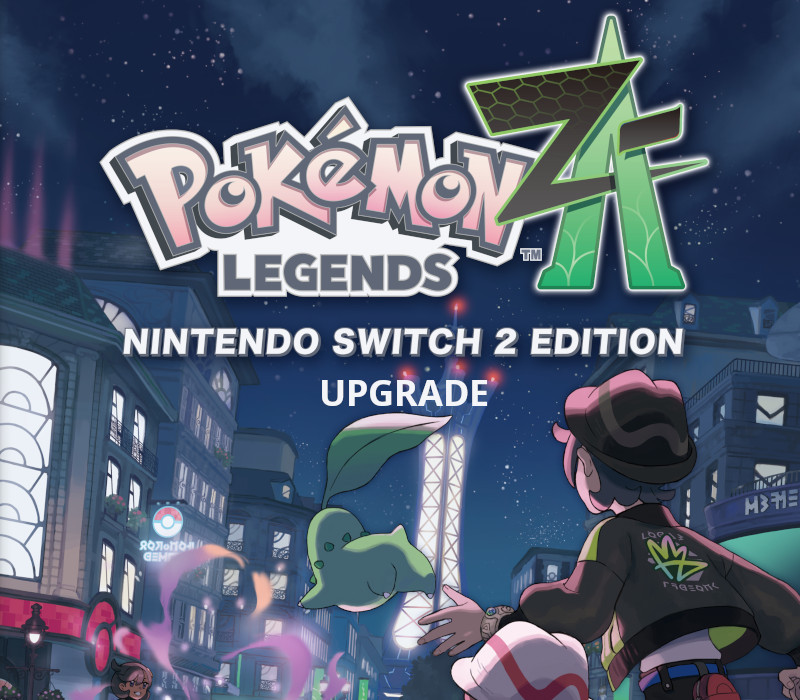
Upgrade your game to Nintendo Switch 2 Edition! Pokémon
Legends:
Z-A – Nintendo Switch 2 Edition features improved performance, enhanced resolution, and smoother frame rates—meaning Lumiose City is now more vibrant than ever!
How to activate
Select “Nintendo eShop” on the HOME Menu to launch the Nintendo eShop. Select the account you want to use. Select “Enter Code” on the left side of the screen. Enter the 16-character download code.Any letters and symbols not used with prepaid codes (i.e. O, I, Z, commas, hyphens, etc.) will be disabled from the on-screen keyboard. Select “Send” to confirm. The game will begin downloading once the code is confirmed.The game icon will appear on the HOME menu, with a download status bar. The status bar will disappear once the game download is complete.
 English
  Español
  Français
  Deutsch