
70815

"kinguin_111644"


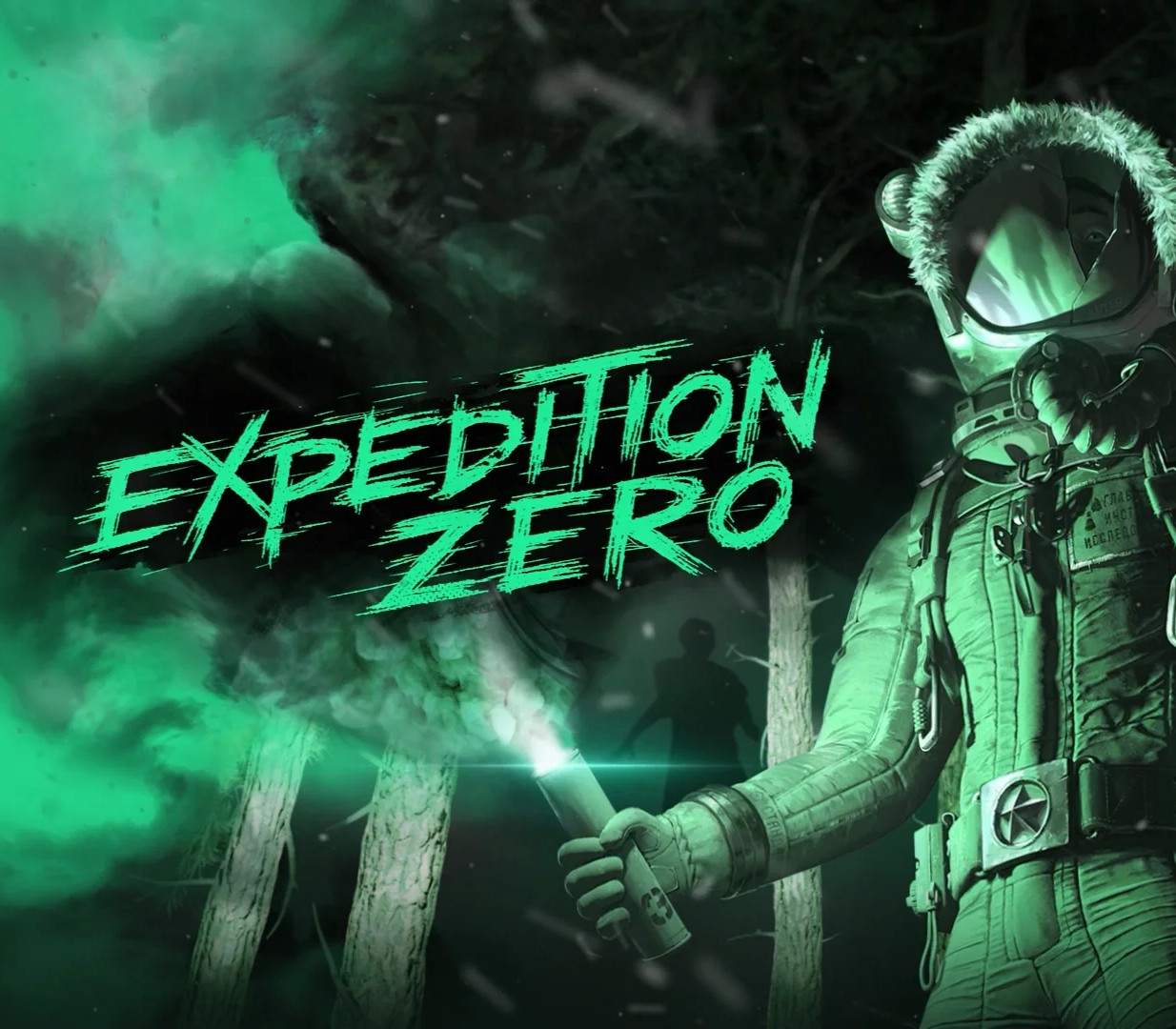
Expedition Zero PC Steam CD Key

4,32$

Expedition Zero PC Steam CD Key is a digital license code with no expiration date. After purchase, you will receive the code directly by email — no shipping fees. Activate the code on the platform and system indicated below.

Platform
Steam
System
Windows
Please note! Your purchase of this digital product is subject to our Terms and Conditions.
  • Rated 9.4 by customers
  • Fast & expert support
  • 100% genuine codes
  • Best prices
  • Instant delivery
SKU: kinguin_111644 Category:

Description

Expedition Zero — survival horror set in the anomaly zone in the heart of Siberia. Face the dreadful forest monster and find a way to defeat it. Explore the corrupted forest and abandoned research facilities to uncover the truth about the top-secret soviet expedition. Limited resources can be used to enhance your abilities and chances of survival in extreme conditions. Could you escape the zone or reveal the secrets it keeps? Features Fight or HideYou are not alone in the forest. Face the horrifying monster in a deadly duel. How would you deal with other corrupted creatures? Run away, fight back or become prey. SurviveDeadly monsters are not your only enemy. Deal with lack of resources, extreme temperatures and snowstorms. Get StrongLoot and craft useful devices and modules for your mecha-suit. Establish new safe points to have uneasy rest. It is the only help you’ll get on the expedition. Explore The UnknownThe former research camp is now abandoned and surrounded by a 50m high wall. Uncover the dark truth about the soviet research expedition and top-secret military experiment.

How to activate

Go to: http://store.steampowered.com/ and download STEAM client Click “Install Steam” (from the upper right corner) Install and start application, login with your Account name and Password (create one if you don’t have). Please follow these instructions to activate a new retail purchase on

Steam:
Launch Steam and log into your Steam account. Click the Games Menu. Choose Activate a Product on Steam… Follow the onscreen instructions to complete the process. After successful code verification go to the “LIBRARY” tab and start downloading.

Additional information

Platform

Region

Type

Terms

  • Purchases for commercial use are not accepted unless stated otherwise.
  • You are purchasing a digital product only.
  • These downloadable codes are produced by the game developer and are original.
  • The codes have no expiration date.
  • For “Downloadable Content” or DLC products, you must own the original game to play the expansion. We cannot offer refunds on these.
  • Products purchased for the wrong platform cannot be exchanged.
  • If you experience any issues with a purchase, please read our activation guides or contact our customer service.

Frequently Asked Questions

Why is the price so low?

Thanks to our global sourcing strategy, we can buy licenses in bulk in regions where prices are lower. This means our customers benefit from great rates. On top of that, competition in the software and game industry is fierce, keeping prices under constant pressure. By buying efficiently and keeping our margins low, we can offer you a fair price without compromising on quality.

Are the licenses legal and genuine?

Yes, all licenses we offer are 100% legal and genuine. We source our codes exclusively through official distributors and trusted suppliers. Please note that some software and games have specific terms of use set by the publisher. We recommend reading these terms carefully and following them.

Do I also get the download link?

Yes, usually! For software products you often receive a download link in our activation guide. For games it works a bit differently: as soon as you enter the license code on the correct platform (such as Steam, the Nintendo eShop or the Microsoft Store), the game is automatically added to your account and the download starts. If you run into any issues, our support team is ready to help.

What if my license does not work?

If your license does not work, please contact our support team. The issue is often easy to solve, for example by entering the code correctly or checking the right region settings. If the problem persists, we will find a suitable solution together. Your satisfaction is our top priority!