
Beschreibung
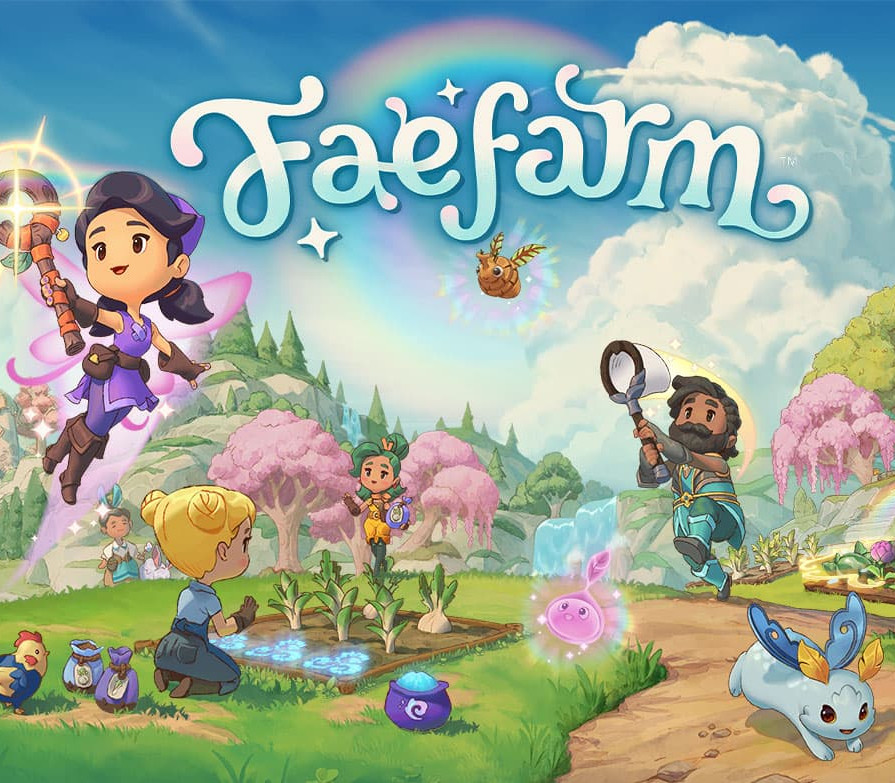
Escape to the world of Fae Farm and create your own cozy home in the enchanted world of Azoria. As you nurture and grow your homestead, you’ll get to meet charming characters, foster deep relationships and discover ways to infuse magic into everything you do. Customize your character, master the arts of crafting, cooking, potion-making and discover so much more. Unfold the mysteries of the island on your own or with up to three other players. You can invite your family and friends or visit their homestead to progress together, playing beside you or online. As the seasons change, you’ll be able to unlock new areas and restore the world around you. Embark on a ship and set sail to Azoria, there’s a magical world waiting for you! Cozy and customizable Create your own character and customize your adventure with unlockable styles and decorations for your farm. The cozier your home, the better your experience! The story unfolds independently from the in-game calendar, allowing you to play at your own pace. Magical Creatures As you tend your farm, you can care for a variety of cuddly animals where you can collect eggs, wool, and more. You can also raise baby animals in many different colors and explore the island to discover magical critters that drop rare potion ingredients.
But not all creatures are friendly:
beware the jumbles; mischievous spirits that block your path! Adventure is at your doorstep Explore the realms of Azoria as you traverse the island with your skills and spells. Forage caves to gather resources and battle jumbles! Progress at your own pace as you uncover new mysteries and restore peace to Azoria. Budding Friendships Azoria is home to a cast of colorful characters! As you progress through the story, you can build bonds with many islanders along the way. You can even find romance by going on dates and eventually getting married at Town Hall. One for all You can play on your own or with up to 3 of your friends online* or over local wireless. Share your progression, build a farm together where everyone’s efforts count. and support each other through the quests and challenges of the world around you. *You’ll need to create a Phoenix Labs account in order to play online together, invite your friends and visit their homestead. The Phoenix Labs account isn’t required to play on your own.
So aktivieren Sie die Funktion
Use the credentials you received (directly or via an external website) and log into the account. Make sure that the content on the account is correct (correct edition of the game, no playtime etc.) Add the purchased account to your console and set it as
Xbox home account:
Purchased account has to be added as a new user, not as a guest30 Xbox Series X S How to Make Account Primary! Change the credentials to make the account your own: Change the email Change the password Add 2FANOTE: Applying any changes to the purchased account, such as adding a payment method or changing the region, may result in the account being banned. In such cases, no refund is applicable. Once the account is added to your console (as a Xbox home account), download the game and switch back to the account you would like to play from. This way your progress will be saved on the account you are using.* The account should be used as a way of accessing the game/content you are interested in. It is not recommended to use it as your main account, as you might have issues with making purchases on it. *Note: Some content available in the Special Editions like in-game currency, skins, bonuses etc. may not be accessible from your main account.




 English
  Español
  Français
  Deutsch