
Description
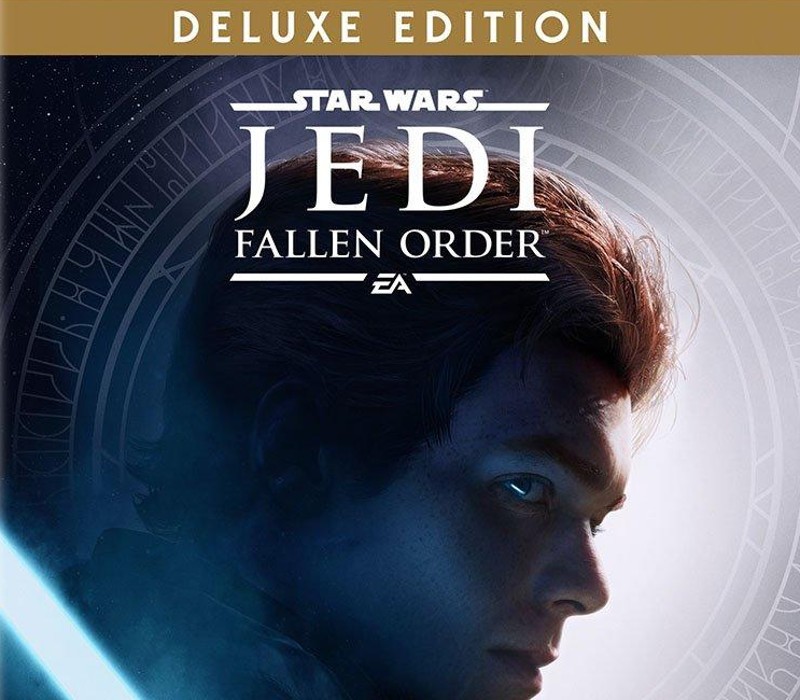
Includes: Base Game Cosmetic skin for BD-1 Cosmetic skin for the Stinger Mantis Digital Art Book “Director’s Cut” behind-the-scenes videos, featuring over 90 minutes of footage from the making of the game A galaxy-spanning adventure awaits in
Star Wars Jedi:
Fallen Order, a new 3rd person action-adventure title from Respawn Entertainment. This narratively-driven single player game puts you in the role of a Jedi Padawan who narrowly escaped the purge of Order 66 following the events of Episode 3: Revenge of the Sith. On a quest to rebuild the Jedi Order, you must pick up the pieces of your shattered past to complete your training, develop new powerful Force abilities, and master the art of the iconic lightsaber – all while staying one step ahead of the Empire and its deadly Inquisitors. While mastering your abilities, players will engage in cinematically-charged lightsaber and Force combat designed to deliver the kind of intense Star Wars lightsaber battles as seen in the films. Players will need to approach enemies strategically, sizing up strengths and weaknesses while cleverly utilizing your Jedi training to overcome your opponents and solve the mysteries that lay in your path. Star Wars fans will recognize iconic locations, weapons, gear, and enemies while also meeting a roster of fresh characters, locations, creatures, droids and adversaries new to Star Wars. As part of this authentic Star Wars story, fans will delve into a galaxy recently seized by the Empire. As a Jedi hero-turned-fugitive, players will need to fight for survival while exploring the mysteries of a long-extinct civilization all in an effort to rebuild the remnants of the Jedi Order as the Empire seeks to erase the Jedi completely. Features Cinematic, Immersive Combat –
Jedi:
Fallen Order delivers the fantasy of becoming a Jedi through its innovative lightsaber combat system–striking, parrying, dodging–partnered with a suite of powerful Force abilities you’ll need to leverage to overcome obstacles that stand in your way. This combat system is intuitive but takes training and practice to fully master its nuances as you gain new powers and abilities along your adventure. A New Jedi Story Begins – As a former Padawan on the run from the Empire, you must complete your training before Imperial Inquisitors discover your plan to revive the Jedi Order. Aided by a former Jedi Knight, a cantankerous pilot and a fearless droid, you must escape the evil machinations of the Empire in a story-driven adventure. Explore and overcome a wide range of challenges focused on combat, exploration and puzzle-solving. The Galaxy Awaits – Ancient forests, windswept rock faces and haunted jungles are all unique biomes you’ll explore in
Jedi:
Fallen Order, with the freedom to decide when and where you go next. As you unlock new powers and abilities, opportunities open up to re-traverse maps in new ways; leveraging the Force to augment the way you explore. Move quickly, however, as the Empire is actively hunting your every step in their effort to exterminate all remnants of the Jedi Order.
How to activate
Go to: http://store.steampowered.com/ and download STEAM client Click “Install Steam” (from the upper right corner) Install and start application, login with your Account name and Password (create one if you don’t have). Please follow these instructions to activate a new retail purchase on
Steam:
Launch Steam and log into your Steam account. Click the Games Menu. Choose Activate a Product on Steam… Follow the onscreen instructions to complete the process. After successful code verification go to the “MY GAMES” tab and start downloading.
 English
  Español
  Français
  Deutsch